


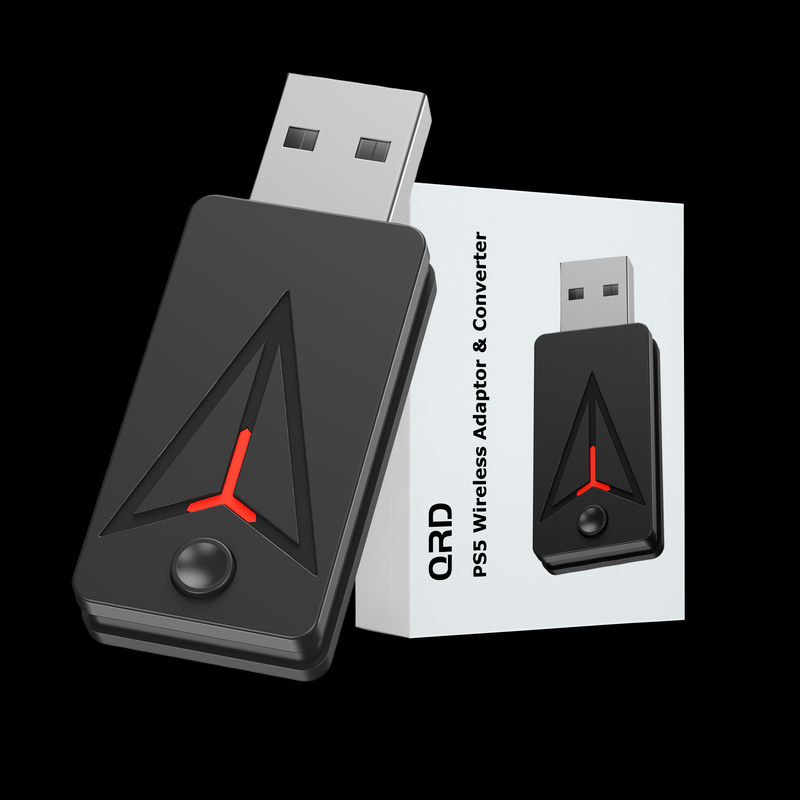
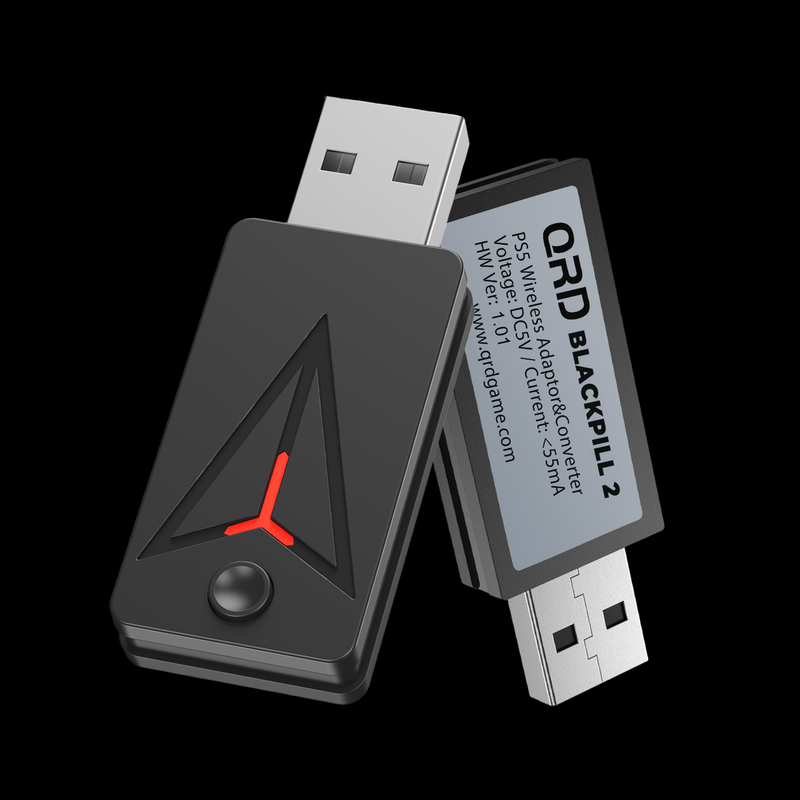


Specifications
Everything you need to know about the hardware, connectivity and physical specifications.
N7/N5/S3/ PS5/PS4 Controller / XBOX One S/ Series / Elite2 Controller / Switch Pro Controller
PS5 / PC
- Button Mapping
- Turbo Function
- Programmable Macro Function


Technical Specifications
Product Specs & Support
Review the core hardware specifications and access setup guides, troubleshooting support and firmware resources for this QRD gaming device.
Product Support Center
Find setup instructions, connection help and firmware resources for a better gaming experience.

ADDITIONAL FEATURES
- Button Mapping
Customize button mappings for optimal game control configuration.
- Turbo Function
Turbo functionality for all major buttons with 3 speed settings to enhance gameplay efficiency.
- Programmable Macro Function
Record and save complex button sequences for single-press combos and advanced maneuvers.
Heading

On PS5: System Setting -> Accessories -> Controller(General) -> Communication Method -> Use USB Cable

① Plug in the converter on one of the empty USB ports on PS5 console or PC.

② While The controller to be connected is turned off, press and hold PS and SHARE buttons on the controller.

③ Press and hold the “PAIR” button for 3-5 seconds.