

QRD SPARK N7 vs QRD SPARK N5
Are you unsure whether to get the QRD Spark N7 or the QRD Spark N5?
QRD Brasil
QRD SPARK N7 vs QRD SPARK N5 Controller Comparison


VIDEO REVIEWS
Watch QRD in Action
Explore product tutorials, gameplay tests, setup guides and creator reviews from YouTube.
LANÇAMENTO! QRD Spark N7 Vale a Pena? NOVO Controle para PS5, PS4, PS3, PC, Android e mais!
Análise review do novo gamepad QRD Spark N7, controle para PS5, PS4, PS3, PC, Android e iOS sensação do mercado de games!
 Ruivo ™
11.2K views


Technical Specifications
Product Specs & Support
Review the core hardware specifications and access setup guides, troubleshooting support and firmware resources for this QRD gaming device.
Product Support Center
Find setup instructions, connection help and firmware resources for a better gaming experience.


Dual-Motor Vibration
4-LEVEL DUAL-MOTOR VIBRATION
- TUNE THE FEEDBACK TO YOUR GAME
- Choose from four adjustable vibration intensity levels to match different gameplay styles—from subtle environmental cues to stronger, more immersive impact feedback.
Macro Back Buttons
FOUR PROGRAMMABLE MACRO BACK BUTTONS
- CUSTOMIZE COMPLEX COMMANDS AT YOUR FINGERTIPS
- Assign single inputs, multi-button combinations, or Turbo commands to M1–M4 for quicker execution and more responsive in-game control.


6-Axis Gyroscope
NATIVE 6-AXIS GYROSCOPE
- RESPONSIVE MOTION CONTROL, BUILT IN
- High-response motion sensing delivers stable, intuitive control for compatible PS3, PS4, and PC gameplay—helping every movement feel natural and precise.
What They Say
FAQs
1. Which devices is the QRD SPARK N7 compatible with?
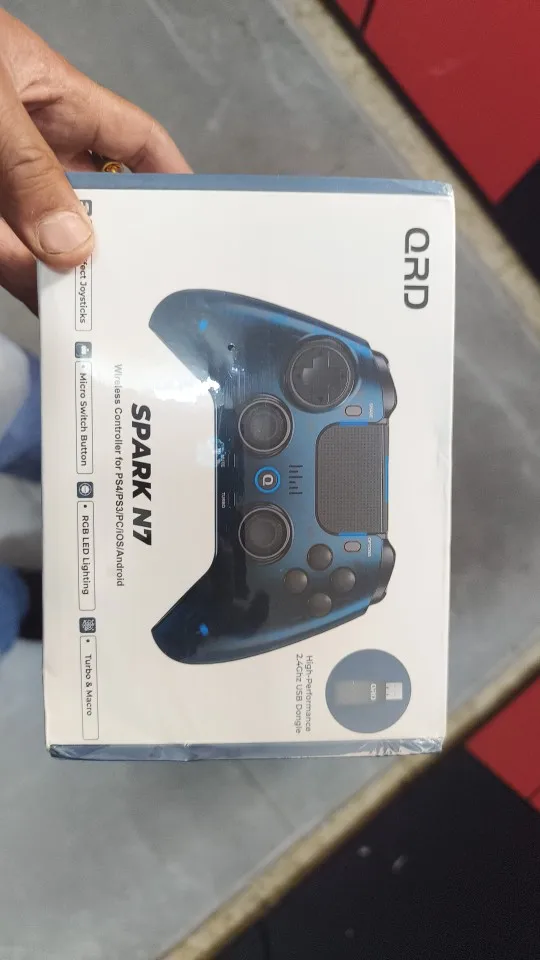
The QRD SPARK N7 supports PS4, PS3, PC, iOS, and Android. It can also be used on PS5 through the QRD BlackPill Converter. Connection options vary by platform and include USB wired, Bluetooth wireless, and 2.4GHz wireless where supported. For the best PC experience, switch the controller to PC mode before connecting.
2. How do I connect the SPARK N7 wirelessly to PS4, PS3, or PC?
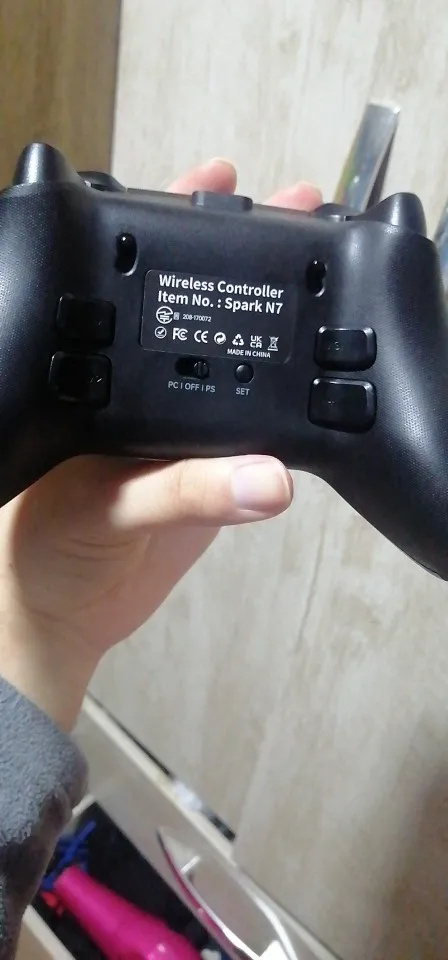
For PS4 or PS3, move the rear mode switch to PS. On first use, or after pairing with another console, connect the controller to the console with the supplied USB cable first. Future reconnections normally require only one press of the HOME button.
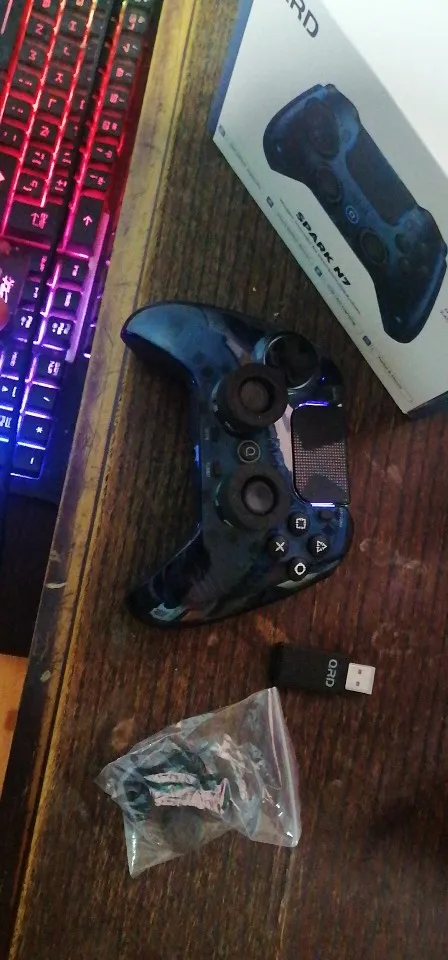
For PC 2.4GHz wireless play, insert the included USB dongle, move the rear switch to PC, then begin pairing with the controller and press the PAIR button on the dongle. Once paired, press HOME once for future reconnections. The 2.4GHz USB dongle does not work in PS mode.
3. What should I do if the sticks feel inaccurate or show drift?
The SPARK N7 uses automatic calibration by default. To avoid incorrect startup calibration, do not move the analog sticks or L2/R2 triggers while powering on or connecting the controller by USB.
After startup, rotate both sticks fully around their outer range three times, then fully press L2 and R2 three times. You can also adjust each stick’s center deadzone and sensitivity curve directly from the controller settings. If an issue continues, switch the rear mode selector to OFF for several seconds to perform a hardware reset.
4. Does the SPARK N7 support Macro, Turbo, and adjustable vibration?
Yes. The four programmable macro buttons, M1–M4, can store supported input sequences for faster execution of repeat actions or multi-button combinations. Hold SET + any M button for three seconds to enter Macro recording, record the sequence, then press the desired M button again to save it.
Turbo can be assigned to supported buttons and cycles through Semi-Automatic, Full-Automatic, and Off modes. The controller also offers four adjustable dual-motor vibration levels. Macro and vibration settings are retained after restart, while Turbo speed settings reset after power-off.
5. Does the SPARK N7 support headset audio, touchpad controls, and microphone mute?
Yes. The SPARK N7 includes a 3.5mm headset jack for compatible wired gaming headsets, a native PlayStation-style touchpad, and a dedicated microphone mute control for convenient in-game communication management. When using headset audio or voice chat, confirm that the correct audio input and output device is selected in your console, PC, or game settings.
The controller features an 800mAh battery, with approximately up to 8 hours of playtime and an expected charging time of about 2–3 hours.
Important specification note: For consistency with the N7 manual and current product page, use “800mAh / up to 8 hours of playtime” in the FAQ and product specifications. Avoid using “8–12 hours” unless the official specification is updated.